Skip to content

Techonia.com

News, Tutorials, and How tos about Technology

Archive

Tag: Solaris

Solaris 10 System Administration Essentials is the first book to concisely yet comprehensively cover all of the breakthrough features of the Solaris 10 operating system. The Solaris OS has a long history of innovation, and the Solaris 10 OS is a watershed release that includes features such asĀ Zones, which provide application isolation and facilitate server consolidation; continue reading…

Incoming search terms for this post:

This guide will help you how to make your computer get connected to internet using PPP over Ethernet (PPPoE) on Solaris 10.

Requirements:
- Solaris 10 Installed on PC (I am using Intel-based processor)
- Network Interface Card (Ethernet card)
- Internet Service Provider that provide PPP authentication and tunneling. I am using netZAP (Instant Broadband Internet) located in Jakarta Indonesia.
- A cup of fresh coffee. Trust me this also will help you :)
continue reading…

Incoming search terms for this post:

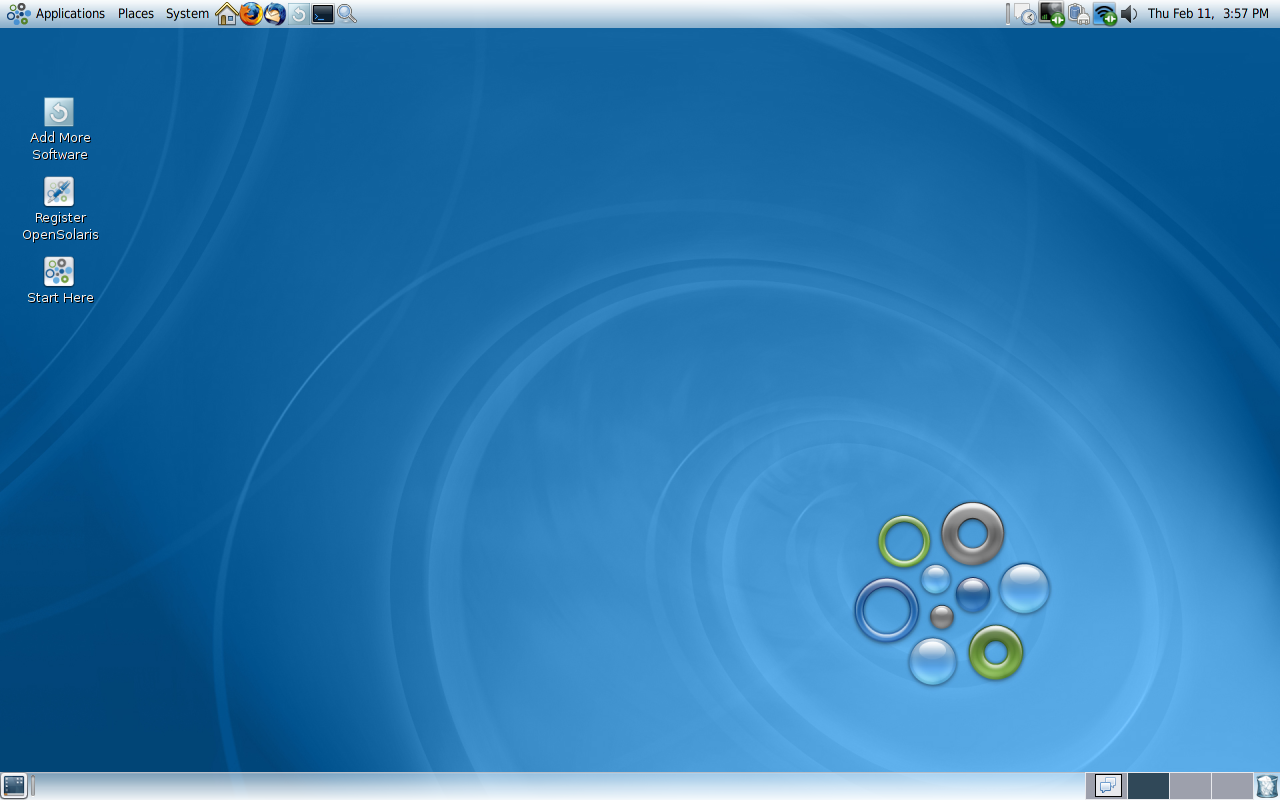
This is my own Solaris 10 Desktop running on Intel-based PC with Mac OSX like theme. Solaris developers in Sun Microsystem have been trying to make Solaris operating system a competitor of linux and claimed as the most advanced operating system on the planet.
Looking at the features, found a new feature named Solaris Dynamic Tracing (DTrace) that make developers able to observ into the system which enable real-time application debugging and optimization. continue reading…

Incoming search terms for this post:

First time I edited crontab file in Solaris was when I wanted to schedule my system to always synchronized to NTP server. It is set in the crontab file.
On Linux and BSD, just run command “crontab -e” to edit the crontab.

It is different on Solaris system, you need to specify the editor program to use. In Linux and BSD are set by default to use vi editor.
continue reading…

Incoming search terms for this post:

In our core system, there are 3 Sun Fire V120. Two of them are running Solaris 9 and the remaining system running Solaris 8.
The timezone of Solaris 9 are already set to Asia/Jakarta because these were installed by me whereas the Solaris 8 was installed by previous engineer and the timezone was set to GMT.
I want to synchronize this machine to an NTP server but because the timezone was set to GMT, the time we get was not in Jakarta timezone (GMT+7), so this tutorial is writen to help you how to set the timezone to GMT+7. continue reading…

Incoming search terms for this post:

RP-PPPoE is a free PPPoE client developed by Roaring Penguin Soft Inc. RP itself stands for Roaring Penguin.
PPPoE is a protocol used by many ADSL Internet Service Provider (ISP) to connect to theirs internet services.

If you are familiar with Linux and using PPPoE to connect to your service provider, RP-PPPoE is the best tool for this purposes and easy to install because almost all Linux distros have its binary file. continue reading…

Incoming search terms for this post: