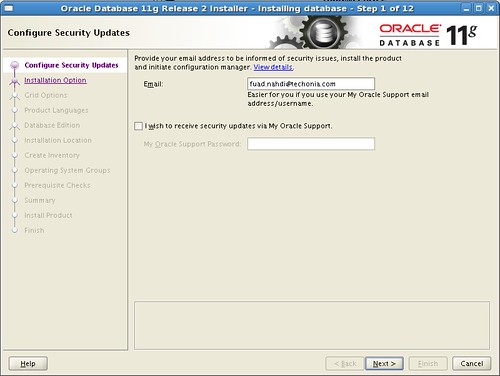
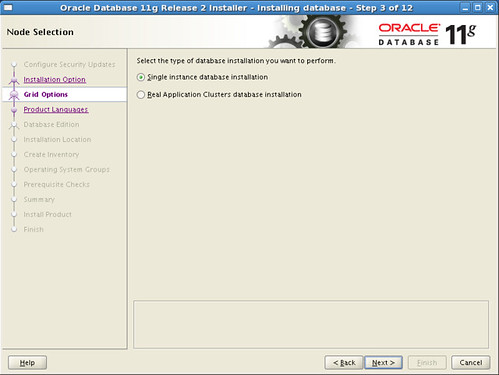
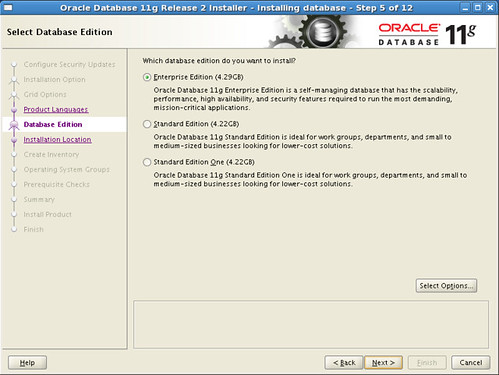
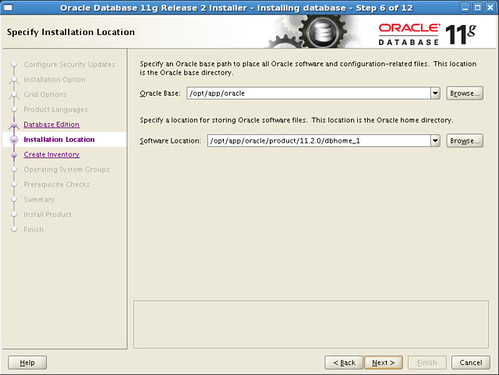
I followed the tutorial written by James F. Koopmann located at http://www.jameskoopmann.com/docs/Install_Oracle11gCentOS5.htm. It is basically the best oracle installation tutorial I found on the internet.
The tutorial just install the software only. For the database creation, we can install later using Database Configuration Assistant (DBCA).
For the x64 platform you need to modify some settings in the /etc/sysctl.conf file and also the memory swap space.
I have 2GB RAM and set the swap memory to 2GB also, but in the installation stage the expected swap space is 3GB.
Here are the parameter of /etc/sysctl.conf file you need to consider:
kernel.sem = 250 32000 100 128
net.ipv4.ip_local_port_range = 9000 65500
net.core.rmem_default = 4194304
net.core.rmem_max = 4194304
net.core.wmem_default = 262144
net.core.wmem_max = 1048576
fs.file-max = 6815744
fs.aio-max-nr = 1048576
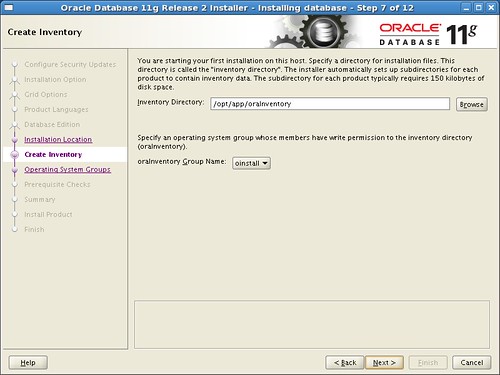
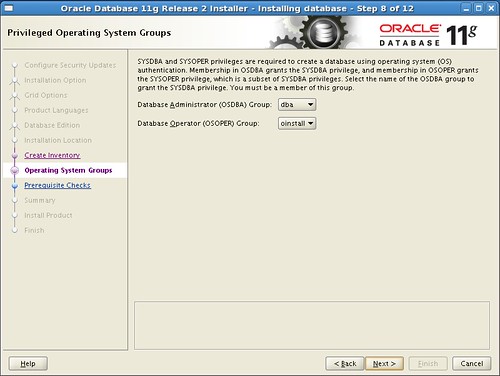
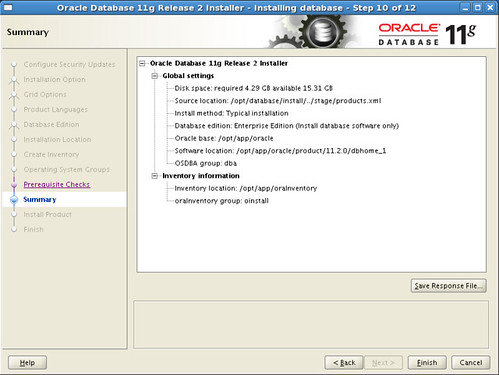
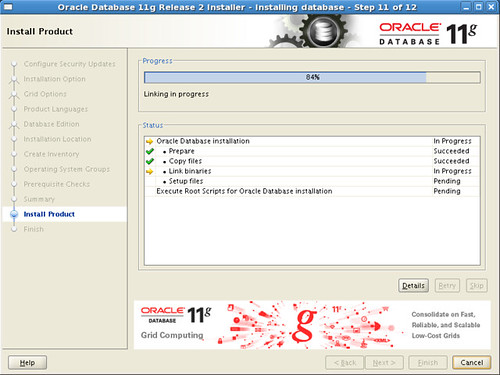
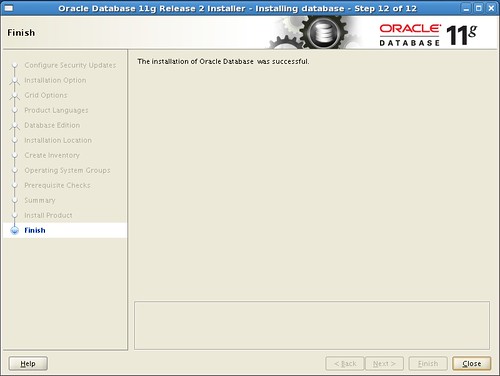
Below are the screenshots of the installation process: