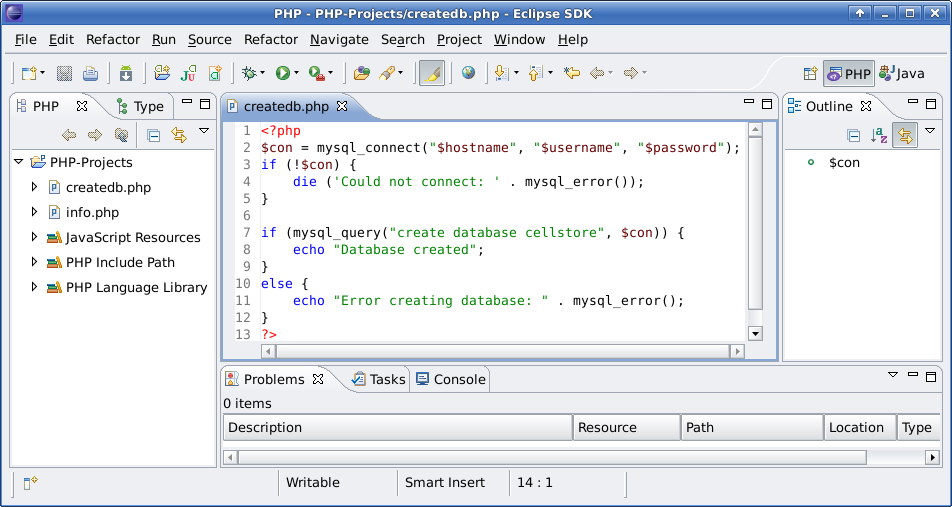
Eclipse is a powerful and robust integrated development environment (IDE). For many people it is the ‘de facto’ IDE to code Java, C/C++, Javascript, PHP and et cetera.
This article shows you how to install PHP Plugin or PHP Development Tools (PDT) into Eclipse aka Galileo.
1. Run Eclipse then click Help > Install New Software…
2. In the Install Available Software window, select the Galileo update in the ‘Work with’ field.
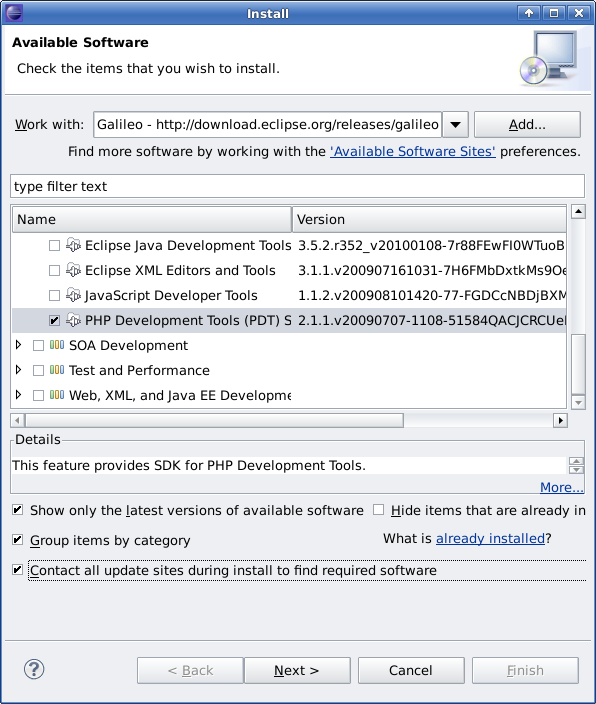
Scroll down to find ‘Programming Language’ category name and expand it. Then check/select the ‘PHP Development Tools (PDT) SDK Feature’
3. Click ‘Next >’ and then just accept the terms of the license agreements, and click Finish button.
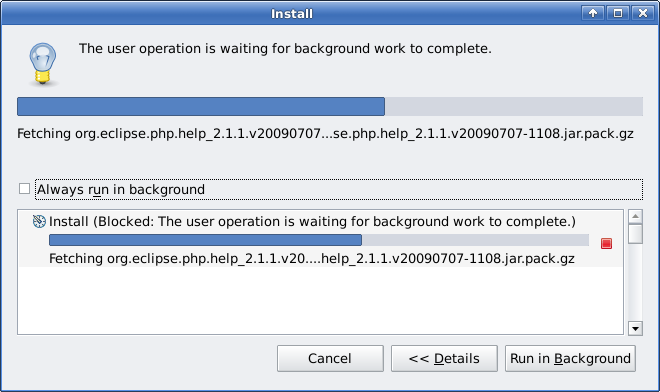
4. Wait for a couple of minutes to let the installation process install the PHP plugin.
5. Once the installation has completed, it is better to restart the Eclipse.
Now you are ready to write PHP codes using Eclipse.