Galaxy Tab P1000 Android 4.4

Update Galaxy Tab P1000 to Android 4.4 Kitkat

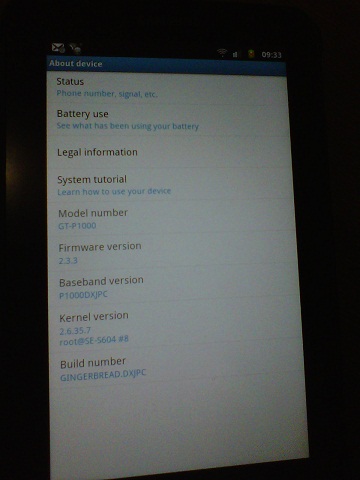
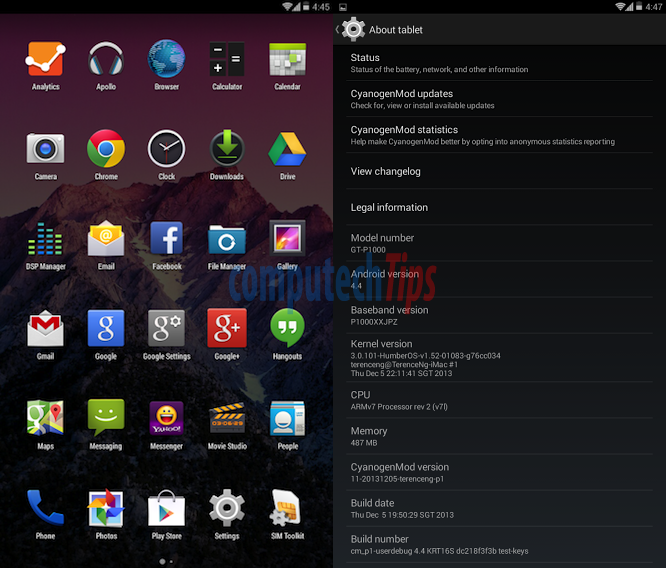
Just visited the XDA developer website forums and found that a custom ROM for Galaxy Tab P1000 already available. The CyanogenMod 11.0 custom ROM, built and compiled by terenceng, I just downloaded the ROM and flashed to my Galaxy Tab P1000 via CWM Recovery.

UPDATE: There is unofficial release of CyanogenMod 13 which is based-on Android 6.0 Marshmallow available to download. You can follow our tutorial on how to install CyanogenMod 13 on Galaxy Tab P1000.
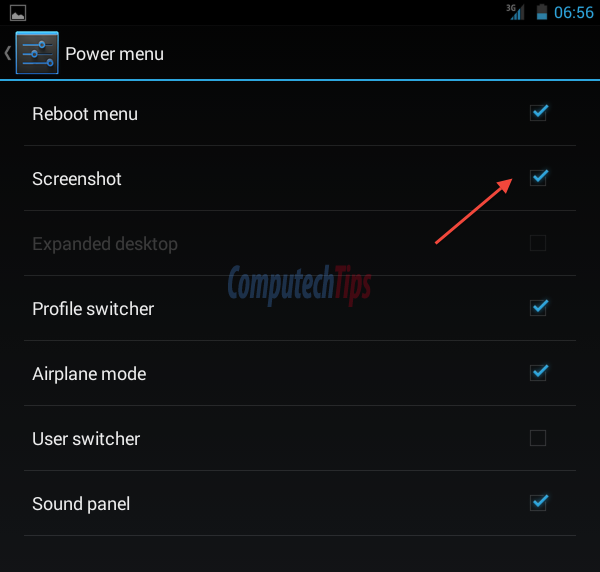
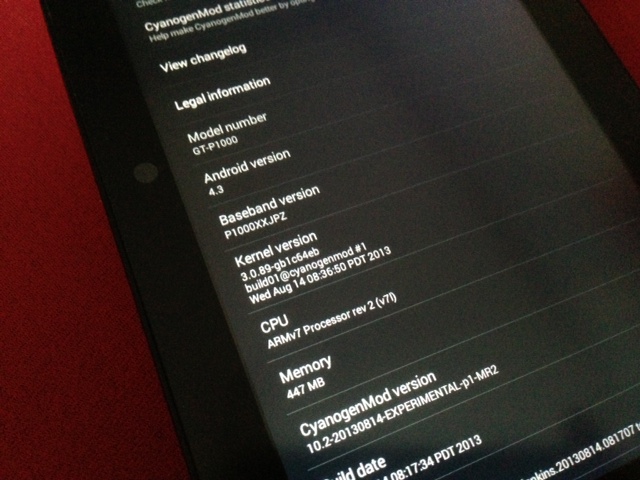
Take Screenshot Android 4.3 / 4.4

How to take screenshot on CM 10.2 / 11 (Android 4.3 / 4.4)

In a previous article I have shown you how to update Galaxy Tab P1000 to Android 4.3 using CyanogenMod 10.2 custom ROM. One cool stuff that I like is how easy it is to take screenshot on CM 10.2. This is also available on CM 11 (Android 4.4 KitKat)

People say that to take screenshot on Android 4.0 and up, by default, just press and hod the Power button + Volume Down but it doesn’t work on Galaxy Tab P1000.

Cordia Tab

Cordia Tab, Open Tablet to cost only $300

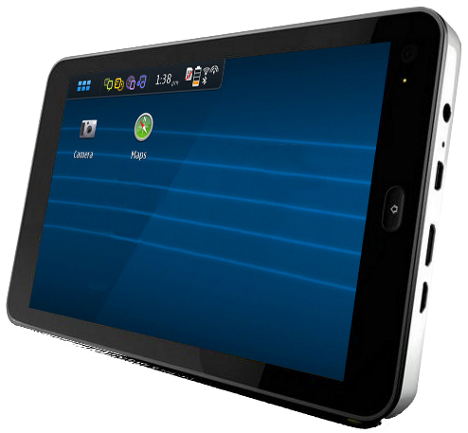
Just heard about a new brand tablet, Cordia Tab, an open source tablet device to bring a practical and openly hackable tablet. The tablet is able to run any Linux kernel based operating system such as Cordia HD, MeeGo, Ubuntu, and even Android OS, however it comes with Cordia HD preloaded.